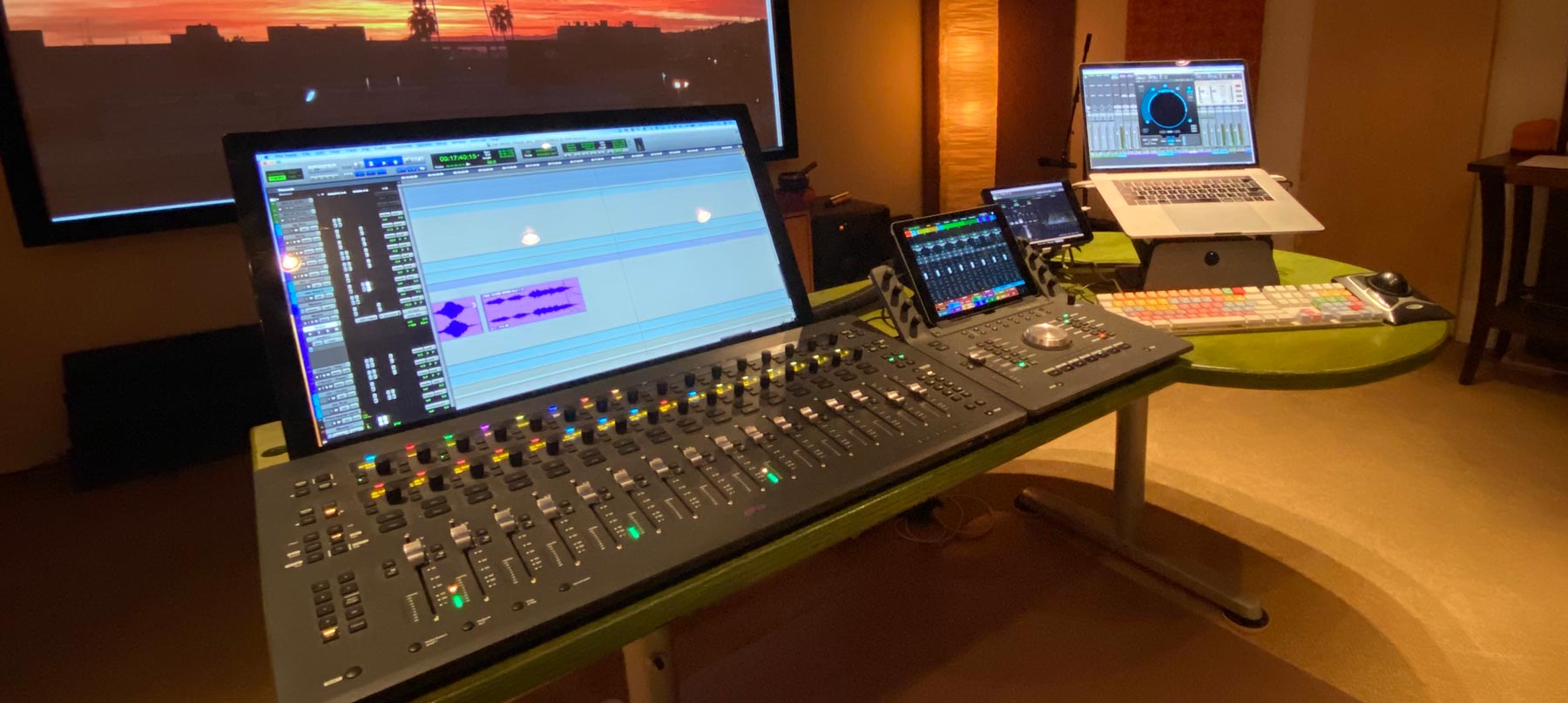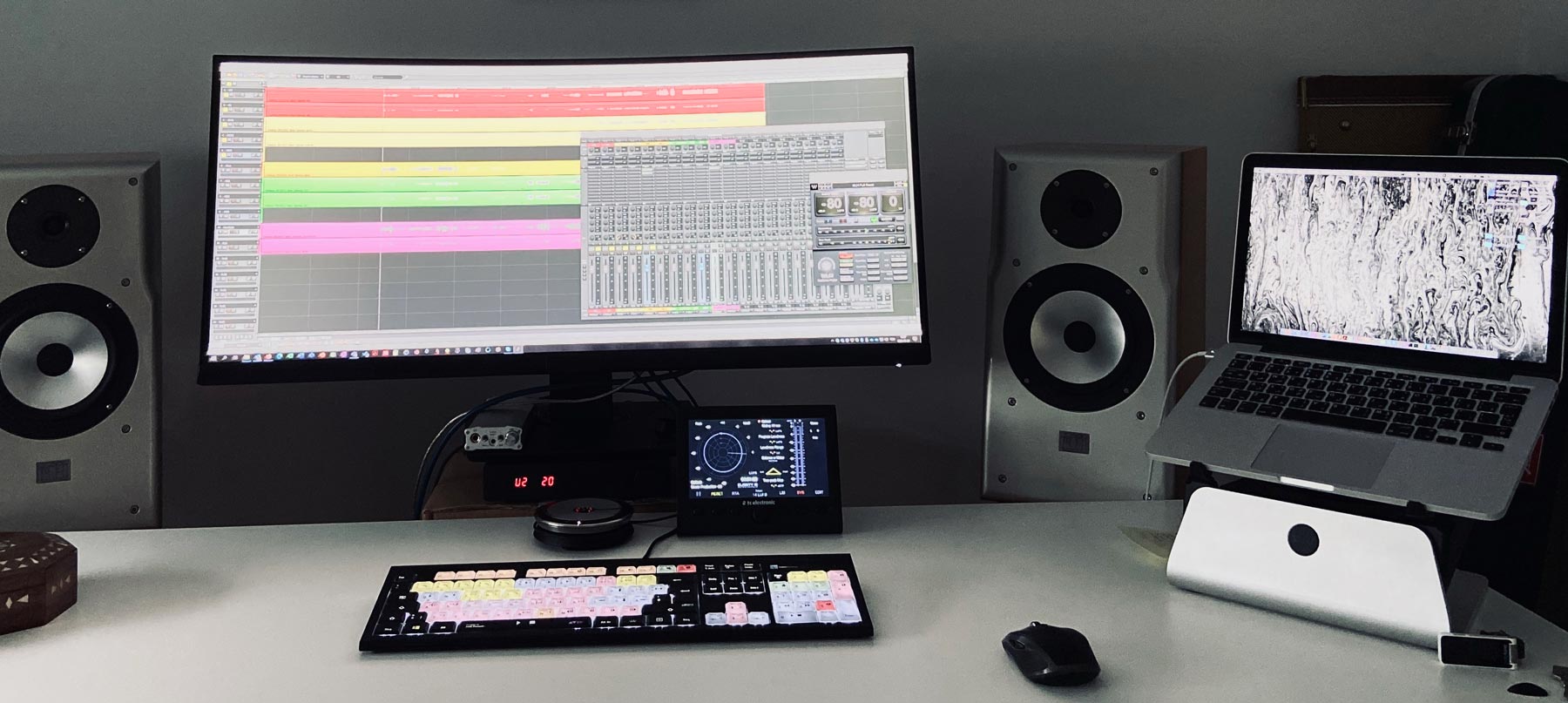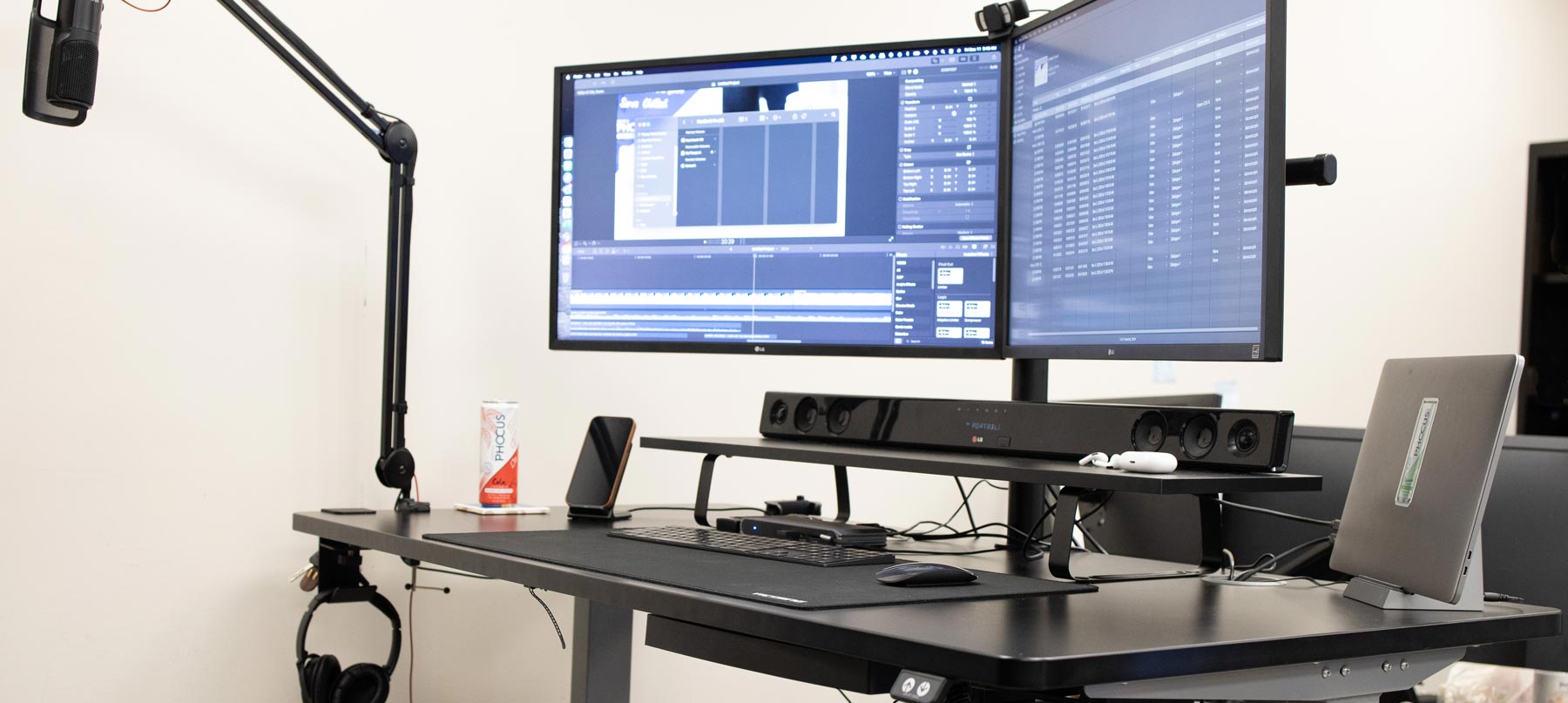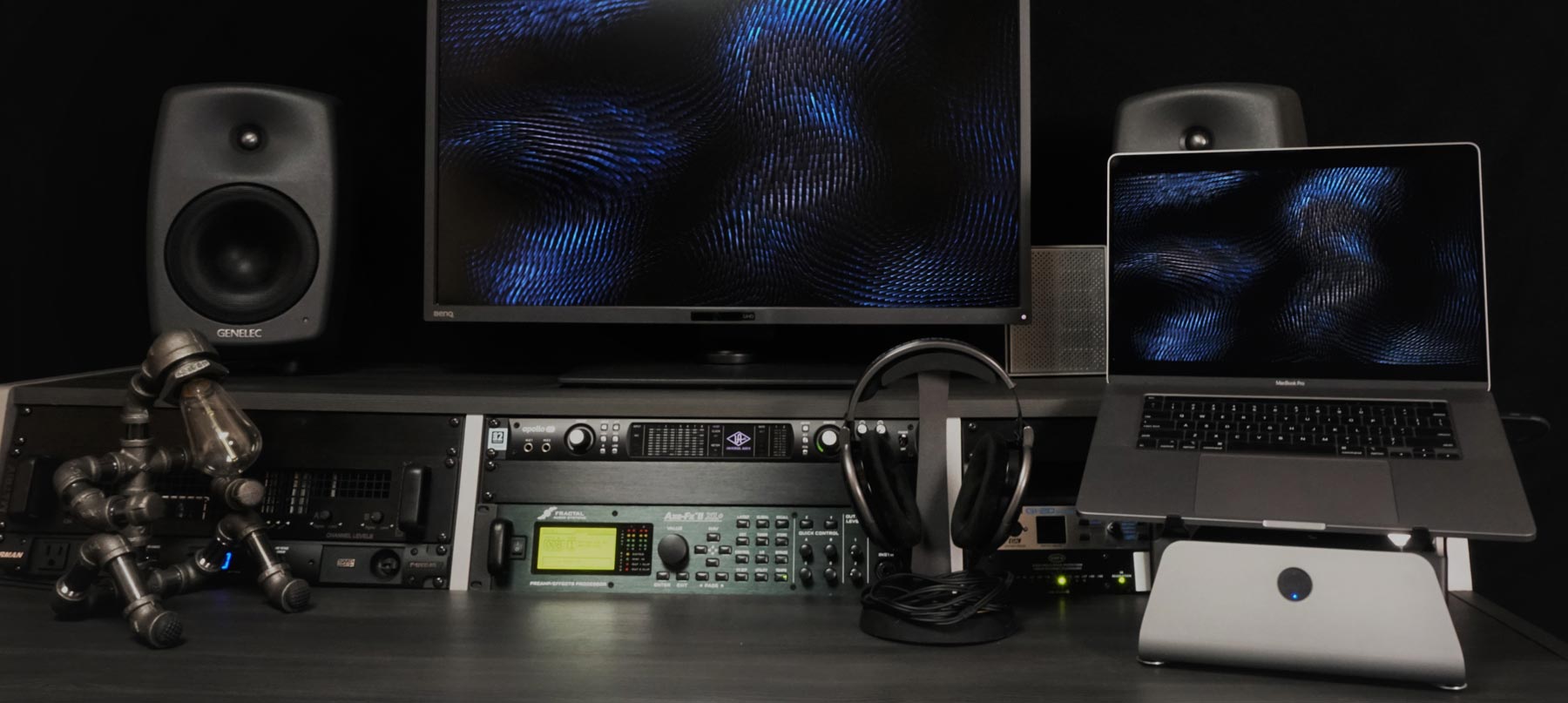
MxSW2-lo 3 laptop features
LAPTOP COOLING FEATURES

Low Stand Laptop Cooling
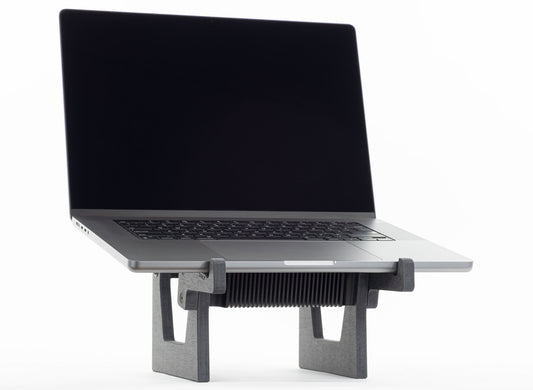
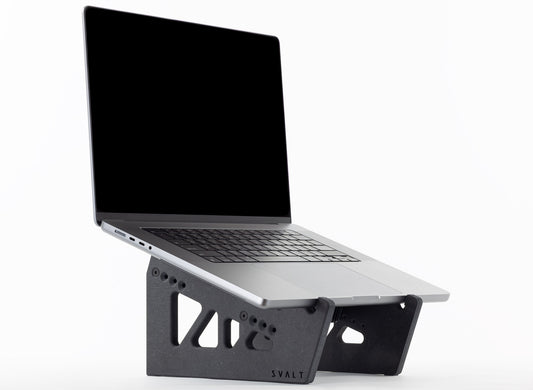
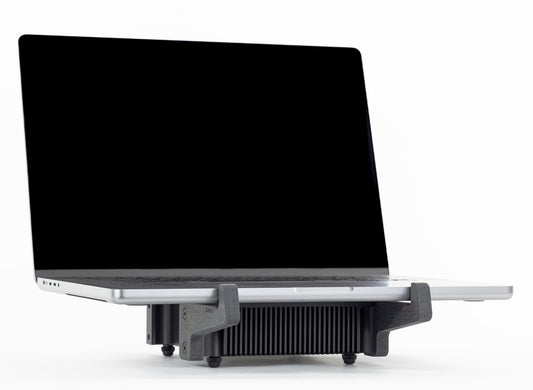
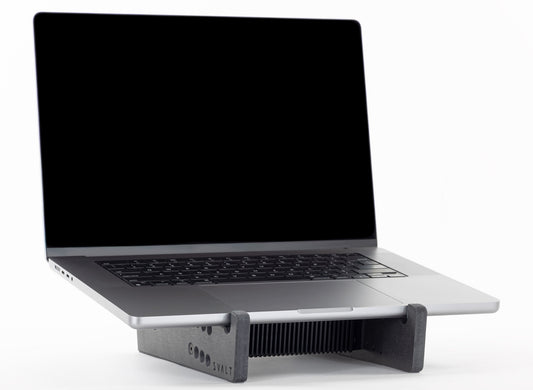
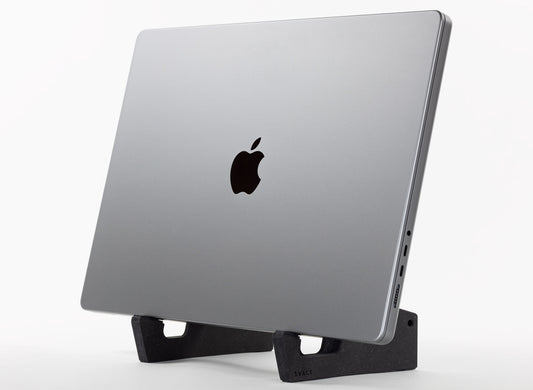
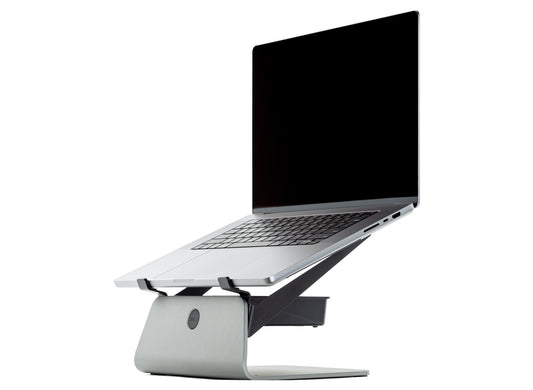
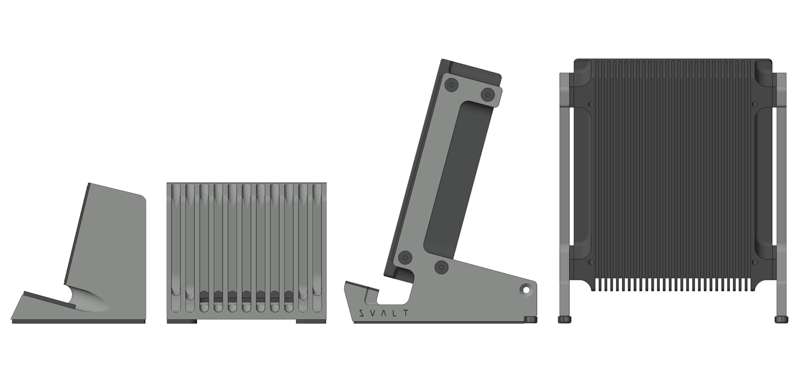
The new second generation Mx low stand supports use a totally new design for improved cooling capabilities with larger openings, raised laptop position, lower heatsink angle and new laptop support arms to maximize cooling performance and precise fit with the latest MacBook Pro and MacBook Air laptops, as well as compatibility with all recent Apple laptops, many PC laptops and other devices.

Laptop Heatsink & Support Cooling
The heatsink and new second generation low stand supports have been designed for seamless integration and optimal performance with Apple’s latest MacBook Pro and MacBook Air laptops.
Heatsink
- By separating the laptop supports from the heatsink, the heatsink can be fully optimized for laptop cooling without compromise for supporting the laptop and providing other workstation features.
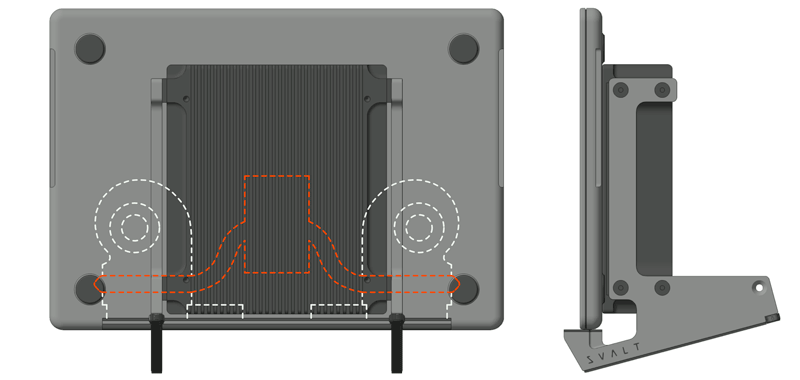
- The heatsink’s mass is positioned for alignment with the MacBook Pro and MacBook Air processor location.
- The heatsink coupling plate’s length and width provide optimal MacBook Pro and MacBook Air heat extraction.
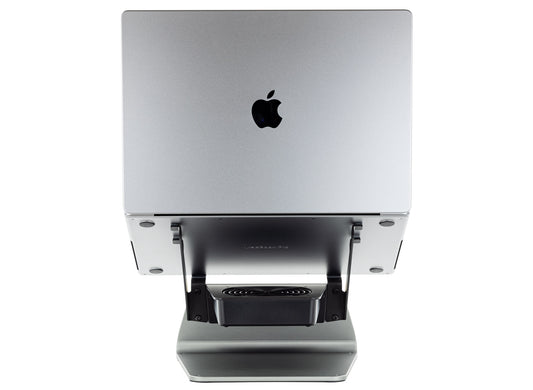
- The heatsink’s width, length and cutouts are precisely designed for optimal cooling and optimal airflows with the MacBook Pro’s built-in venting and cooling systems.
- The heatsink’s array of 28 cooling fins and air channels match the MacBook Pro’s processor location and built-in cooling system layout for improved heatsink cooling performance.
- The heatsink’s corner cutouts align with the MacBook Pro’s vents for reduced heat gain and improved cooling performance.
- The heatsink’s center cutout align with the new second generation low stand supports for improved passive and active cooling airflows around the heatsink.
- By separating the laptop support arms from the heatsink supports, the heatsink maintains the ideal position for cooling the laptop while allowing the laptop support arms to be exchangeable for optimal fit with different laptop models and sizes.
- Separate bolt-on laptop support arms are available in two sizes. The large arms are optimized for 2021+ 16-inch MacBook Pro and 2023+ 15-inch MacBook Air. The small arms are optimized for 2021+ 14-inch MacBook Pro and 2022+ 13-inch MacBook Air.
- MacBook Pro laptops have built-in fan cooling systems that exhaust hot air along the back edge and have a larger radius around the bottom edge. This requires the MacBook Pro’s back edge to be positioned further back from the heatsink’s back edge. This allows the same laptop support arm to be optimized for the larger 16/14-inch MacBook Pro and the smaller 15/13-inch MacBook Air.
- MacBook Air laptops lack a built-in fan cooling system and have a tighter / smaller radius around the bottom edge. This allows the MacBook Air’s back edge to be positioned closer to the heatsink’s back edge. This positioning places the MacBook Air’s processor closer to the center of the heatsink for increased heat transfer. This allows the same laptop support arm to be optimized for the smaller 15/13-inch MacBook Air and the larger 16/14-inch MacBook Pro.
- All compatible laptop models and sizes benefit from the second generation high stand support’s new design, however, smaller laptops now maintain the same ideal positioning as the larger laptops so that 2021+ 14-inch MacBook Pro and 2022+ 13-inch MacBook Air significantly benefit from the new design.


New & Improved 2nd Gen Support Cooling
The second generation low stand supports use a totally new design that brings the following significant improvements.
- Lower Heatsink Support Angle: Improves conductive cooling design by reducing the laptop support angle to zero for a flat horizontal position that presses all of the laptop’s weight down onto the heatsink’s conductive coupling plate for increased heat transfer. The laptop support angle is adjustable from flat at a 0 degree angle up to an inclined angle of approximately 8 degrees. When set to a low or flat horizontal position, then the laptop is more likely to slide or rotate on the heatsink’s smooth coupling surface so adding some incline is recommended for typing directly on the laptop.
- Higher Heatsink Support Position: Improves airflow cooling design by approximately tripling the heatsink’s minimum height above the desk surface so that more airflow moves under, around and through the heatsink for increased heat extraction. The heatsink height is adjustable and can be increased by approximately another 3/4-inch above the minimum height setting.
- Larger Heatsink Support Opening: Improves airflow cooling design by approximately quadrupling the heatsink support’s open area for increased airflows through and around the heatsink.
- New Laptop Support Arms: Improves heatsink cooling design for both smaller and larger laptops by using new bolt-on laptop support arms of different sizes that optimally place the laptop for heatsink cooling.

MacBook Air
The new second generation low stand supports benefit both the MacBook Pro with a built-in fan cooling system and laptops that lack a built-in fan cooling system, such as the MacBook Air.

Extensive Compatibility
The laptop support arms use a modular and exchangeable bolt-on component system that accommodates a wider range of laptop models and sizes, as well as tablets and other devices. By making the laptop support arms a separate modular component, SVALT is better able to quickly offer lower cost arm upgrades for future laptop releases.
-
Cooling Stand MxSW2-hi
Regular price From $399.00 USDRegular price$309.00 USDSale price From $399.00 USD -
Cooling Stand MxSW-hi
Regular price From $389.00 USDRegular price$309.00 USDSale price From $389.00 USD -
Cooling Stand MxSW2-lo
Regular price From $379.00 USDRegular price$309.00 USDSale price From $379.00 USD -
Cooling Stand MxSW-lo
Regular price From $379.00 USDRegular price$289.00 USDSale price From $379.00 USD -
Cooling Dock MxDW2
Regular price From $389.00 USDRegular price$299.00 USDSale price From $389.00 USD -
Cooling Stand Sx
Regular price From $279.00 USDRegular price -
Cooling Stand SxM
Regular price From $279.00 USDRegular price





Product Selection Guides
-
 Compare
Compare product features and specifications.
-
 Laptops
Recommended products for your laptop model.
-
 Performance
Performance testing with a variety of laptops.