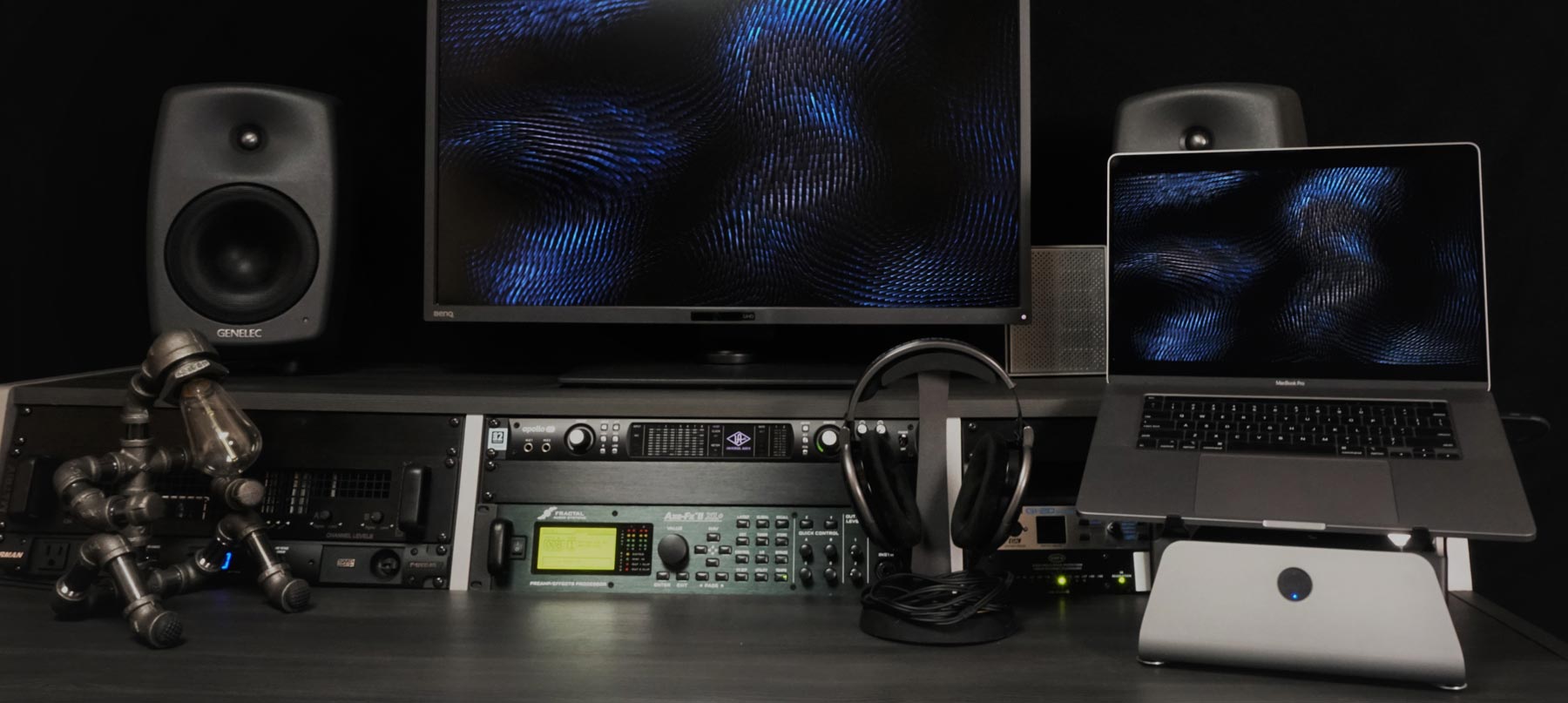
MxDW2 4 workstations features
WORKSTATION FEATURES

Productive Workstations
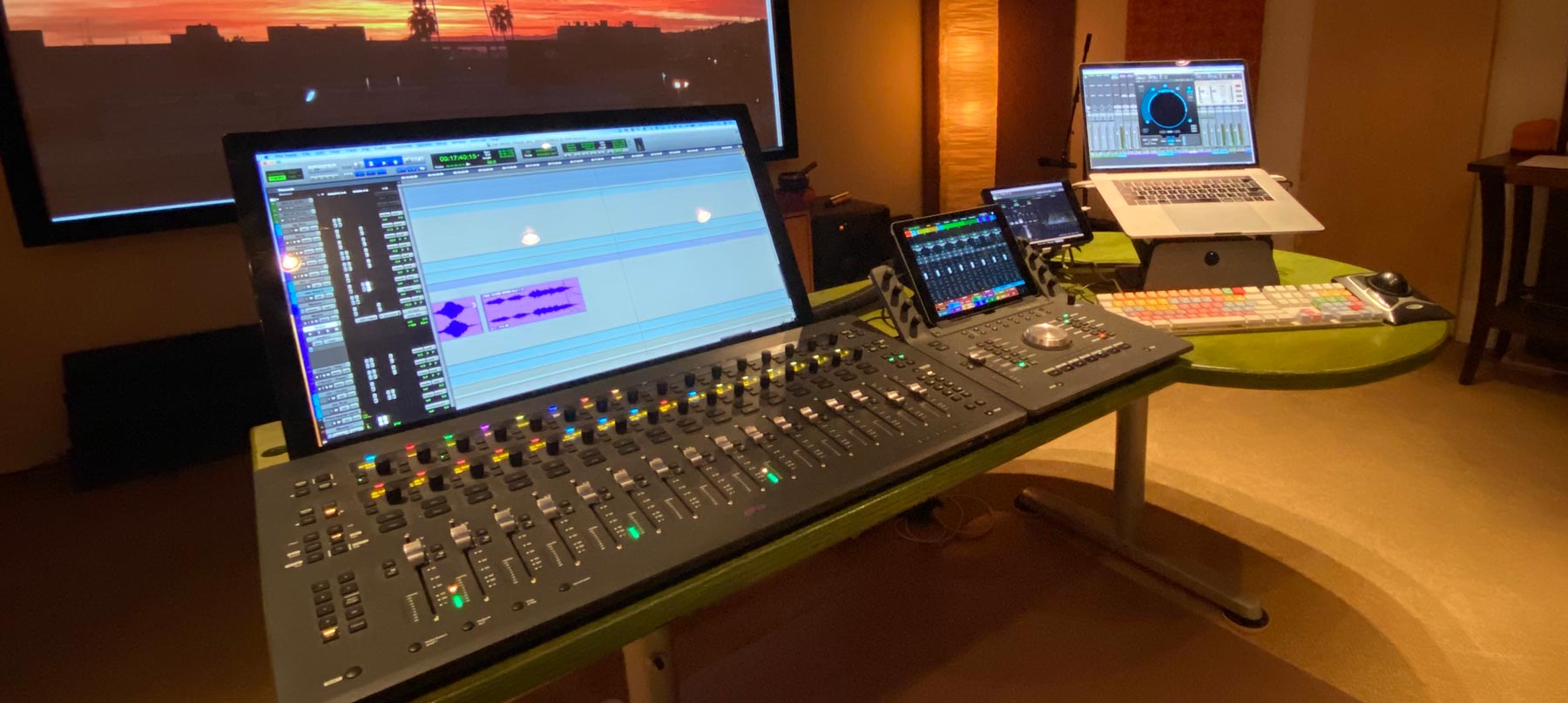
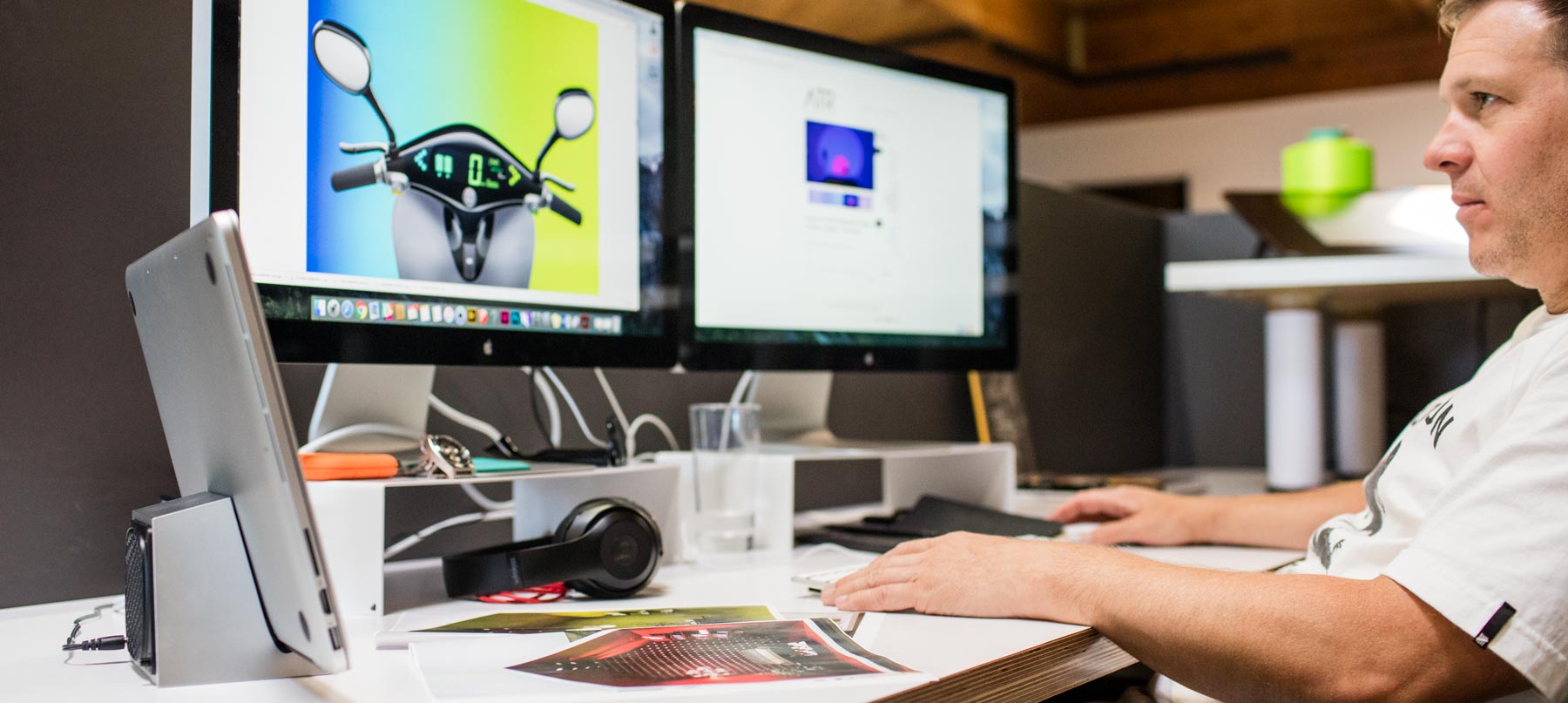
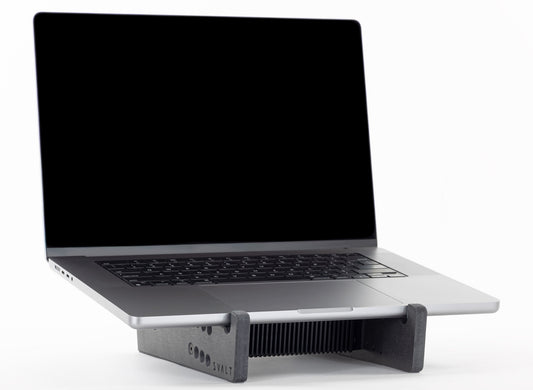
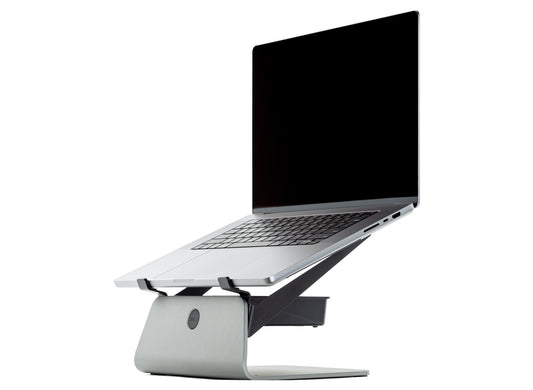
The Mx product line includes an extensive set of innovative workstation features, such as leaning clamshell mode, dual cable straps for quicker setup and hidden cable clutter, as well as heavy-duty construction, over-sized bolted connections and uneven surface leveling to create a robust build with rock-solid laptop stability.

Refined Workstations
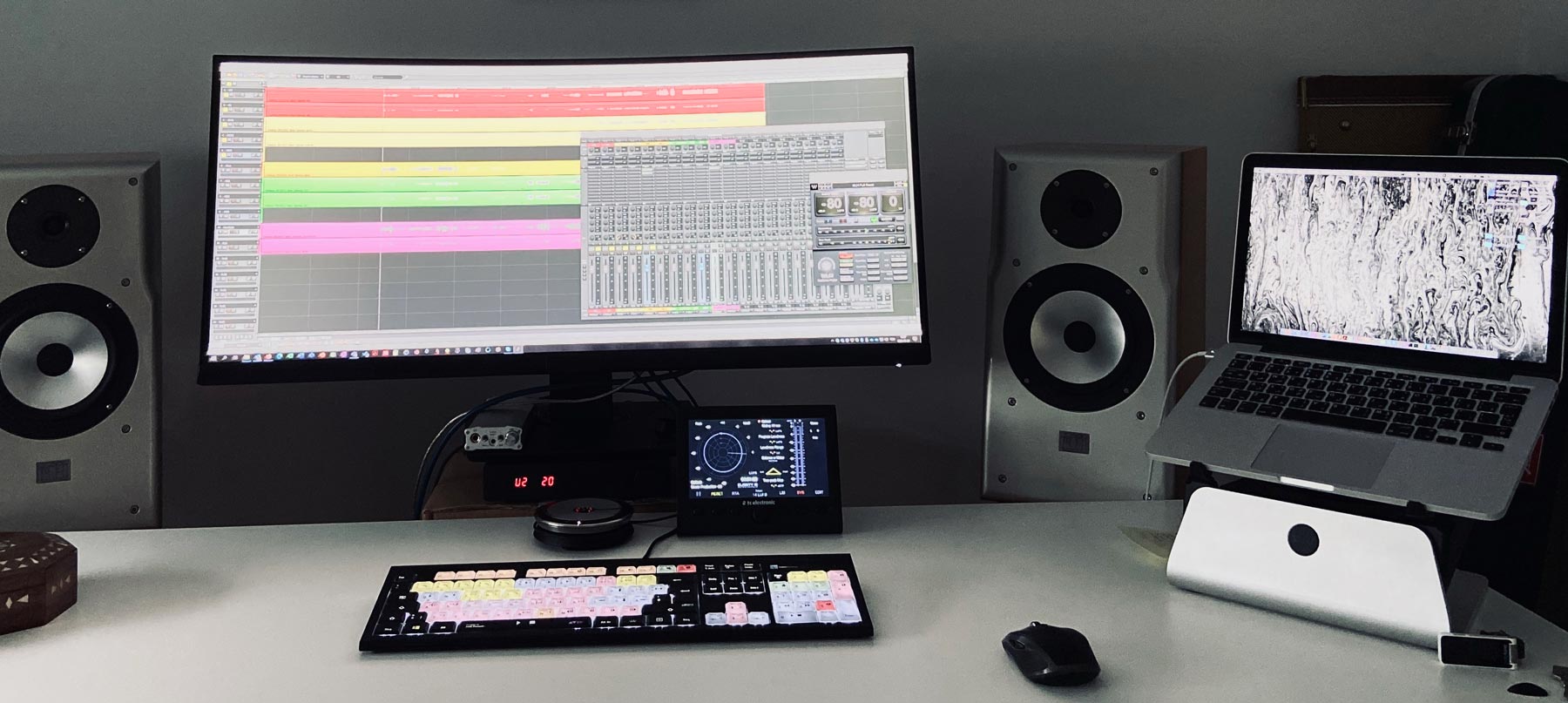
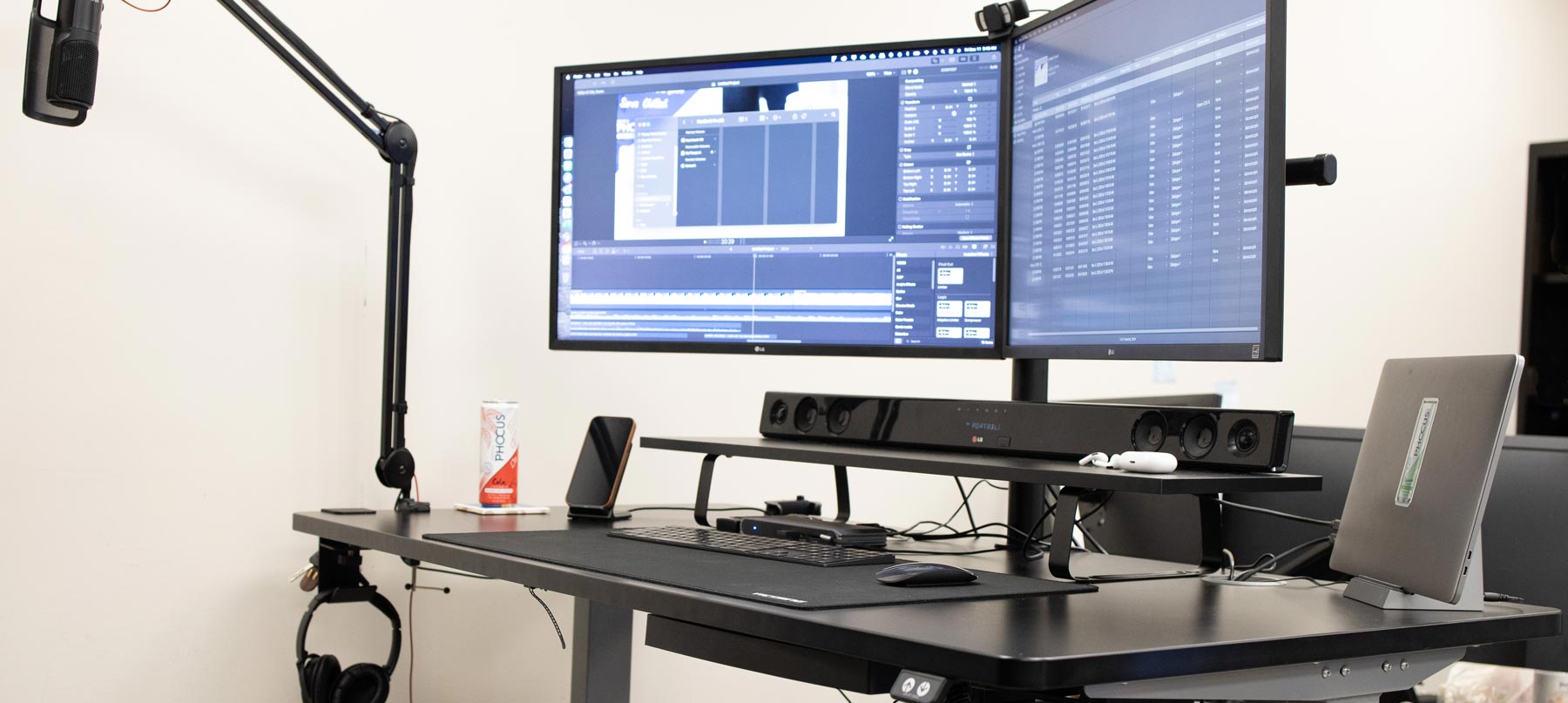
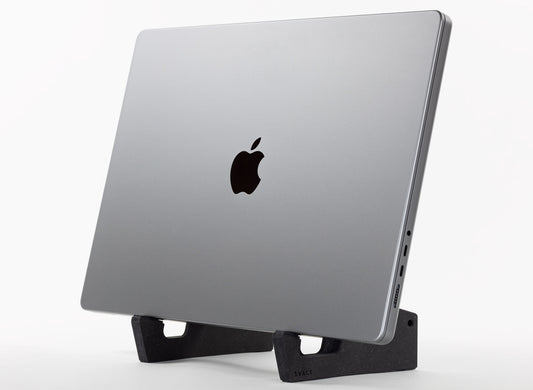
The dock supports position the laptop upright in a leaning position for closed-screen clamshell mode operation. Clamshell mode reduces wear on the laptop’s built-in components and provides a more compact workstation setup. Clamshell mode also helps to setup a more ergonomic workstation with external monitor, keyboard and mouse / trackpad.

Clamshell Workstations
The dock supports use an innovative leaning position that allows for easier clamshell mode setup and operation compared to a straight vertical position. With the dock supports, the laptop screen easily opens to initiate laptop startup or to access the laptop’s power / Touch ID button while the laptop remains securely resting on the dock’s padded supports and while the laptop remains connected to the required external monitor, keyboard mouse/trackpad and power supply cables. The leaning position provides an easier and quicker clamshell mode setup compared to the straight vertical position that requires the laptop to be picked up while precariously balanced in hand with cables connected to the laptop.

De-Cluttered Workstations
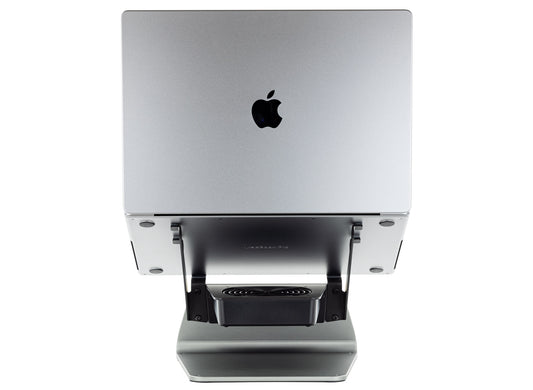
The Mx product line helps to create a more compact, refined and productive workstation with reduced laptop footprint and with managed cable clutter. The Mx includes three sets of cable straps and mounting hardware, providing one for each side and an extra replacement set. The straps are positioned to manage and hide cable clutter behind the laptop. The straps hold cables in place for easier and quicker subsequent laptop setups. The straps are adaptable and replaceable, and can accommodate most any size of bundled cables.

Solid Workstations
The Mx uses a heatsink milled from solid aluminum and supports milled from solid engineered lumber, which are bolted together with eight large fasteners to create an incredibly strong and rigid laptop support system. Designed to support many hundreds of pounds, the Mx can easily support the heaviest of laptops, and will not flex or bounce even while supporting the heaviest of laptops. The Mx’s extra heavy duty construction not only results in robust strength, but also weighs up to 5 pounds. This solid and heavy structure uses industrial grade non-slide pads to create a rock solid laptop support. To ensure the Mx’s remains rock solid on uneven surfaces, wood dock supports include multiple shim pads of different thickness to help level uneven surfaces.

Stable Workstations
The Mx dock’s leaning laptop support with easy clamshell setup is inherently more stable than a straight up vertical laptop support. The Mx docks increase laptop stability with support legs that extend backwards preventing tip over and with the massive heatsink’s 4 pounds of central mass that resists tipping over.
-
Cooling Stand MxSW2-hi
Regular price From $399.00 USDRegular price$309.00 USDSale price From $399.00 USD -
Cooling Stand MxSW-hi
Regular price From $389.00 USDRegular price$309.00 USDSale price From $389.00 USD -
Cooling Stand MxSW2-lo
Regular price From $379.00 USDRegular price$309.00 USDSale price From $379.00 USD -
Cooling Stand MxSW-lo
Regular price From $379.00 USDRegular price$289.00 USDSale price From $379.00 USD -
Cooling Dock MxDW2
Regular price From $389.00 USDRegular price$299.00 USDSale price From $389.00 USD -
Cooling Stand Sx
Regular price From $279.00 USDRegular price -
Cooling Stand SxM
Regular price From $279.00 USDRegular price





Product Selection Guides
-
 Compare
Compare product features and specifications.
-
 Laptops
Recommended products for your laptop model.
-
 Performance
Performance testing with a variety of laptops.