Mx2 12 testing specs
TESTING SPECIFICATIONS
 Mx Cooling Performance
The Mx product line was designed to exceed everything that had come before with extreme cooling capabilities. The Mx's massive thermally conductive heatsink silently pulls heat from the laptop to help reduce temperatures and quiet built-in fans. While the Mx’s optional fan cooling system helps tackle extra high-intensity and long-duration workloads.
Test Results
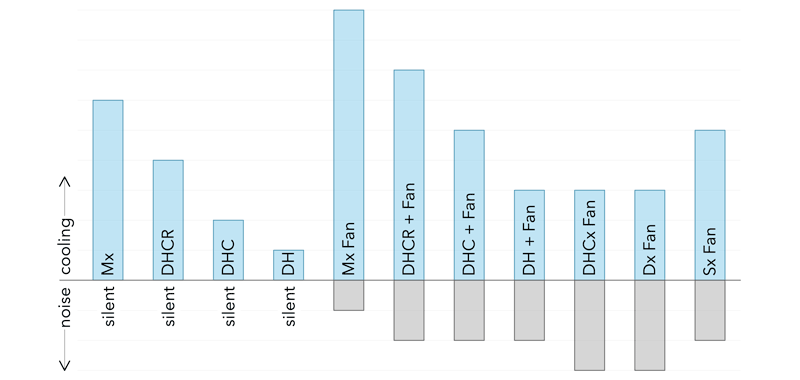
SVALT product cooling and audio performance shown in the graph above is approximate and based on a wide range of averaged and normalized testing through conceptual research, product development and final production proving phases.
Test results vary depending on a product’s configuration, fan use, fan model, fan speed setting, laptop model, laptop configuration, laptop operation, workstation setup, external monitor setup, and overall testing conditions.
Test Conditions
Mx tests were conducted per SVALT’s testing guidelines that control testing conditions.
Test Laptop Configurations
Mx tests for all models and configurations were conducted with the laptop in closed-screen operation while connected to a single low-resolution external monitor. Comparison tests were also conducted with the screen open and without an external monitor for high and low stand models.
As a general condition for all laptop models, adding a high-resolution external monitors and/or multiple external monitors will increase demand on the laptop and generate more heat. Demand and heat generation can be reduced by using only the laptop’s built-in display, or by closing the built-in display and connected to a single low resolution external monitor.
Test Mx Model Configurations
Tests were conducted with multiple Mx model configurations. In general, results were more similar than dissimilar between the different Mx model configurations as they all share the same massive heatsink and all are available with an optional fans to boost cooling performance.
Mx Model Comparison
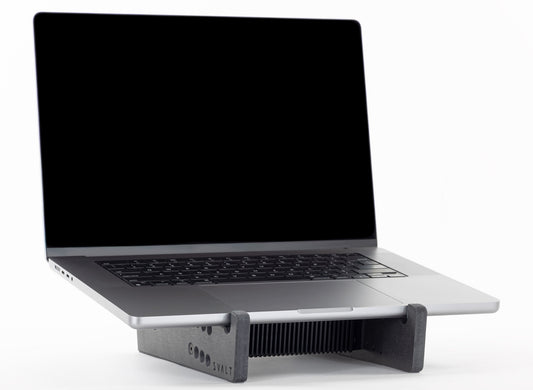
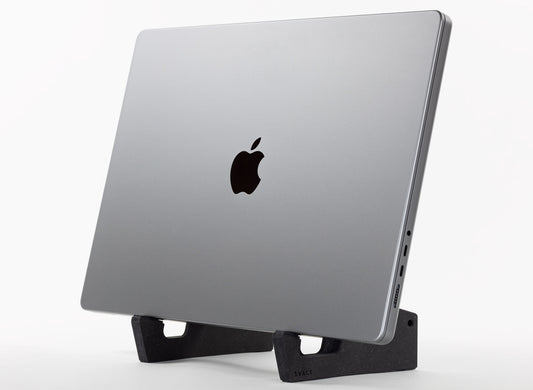
When selecting a Mx model, it is recommended to select a model based on a desired workstation setup, such as the dock supports for positioning the laptop upright with screen closed and moved aside to free up desk space, the high stand supports for improved screen viewing ergonomics with the laptop’s built-in screen, or the low stand supports for a low-profile setup. However, if you would like to understand the differences between each Mx model’s cooling design, then see the following detailed comparisons.
MxSW2-hi
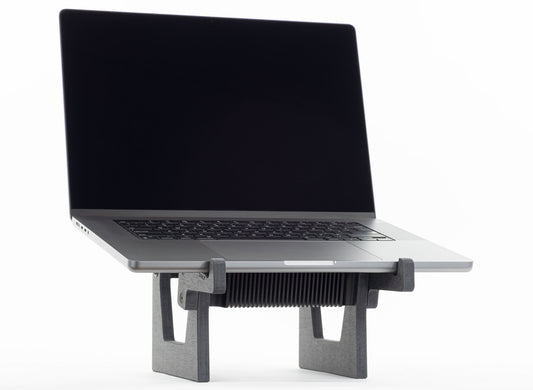
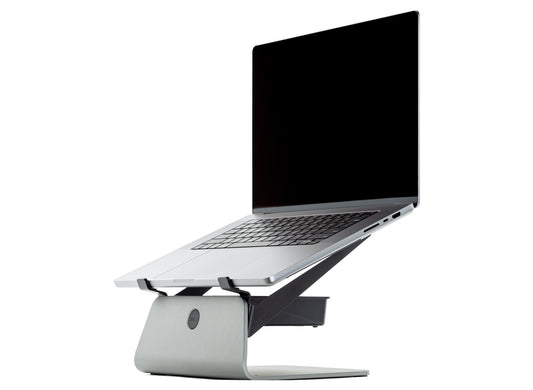
The second generation high stand supports use a totally new design that brings the following significant improvements:
- Lower Heatsink Support Angle: Improves conductive cooling design by approximately halving the laptop support angle so that more of the laptop’s weight presses down onto the heatsink’s conductive coupling plate for increased heat transfer. The laptop support angle has been set to as low as possible while still retaining sufficient forward slope to hold the laptop in place.
- Higher Heatsink Support Position: Improves airflow cooling design by approximately doubling the heatsink’s and 140mm fan’s minimum height above the desk surface. More open space under the heatsink increases passive airflows through the heatsink’s cooling fins for increased heat extraction. More open space under the 140mm fan reduces fan intake restriction for increased fan efficiency with lower noise and higher airflow.
- Larger Heatsink Support Opening: Improves airflow cooling design by approximately doubling the heatsink support’s open area. More open area increases passive airflows through and around the heatsink, as well as increases active airflows into and out of the 140mm fan.
- New Laptop Support Arms: Improves heatsink cooling design for both smaller and larger laptops by using new bolt-on laptop support arms of different sizes that optimally place the laptop for heatsink cooling.
- New Heatsink Finish: Improves radiant passive cooling by increasing emissivity with a new matte black anodize finish.
MxSW2-lo
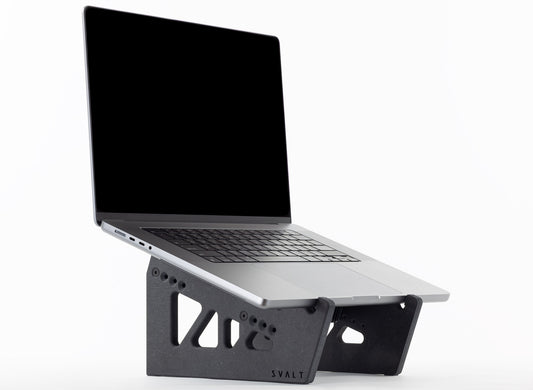
The second generation low stand supports use a totally new design that brings the following significant improvements:
- Lower Heatsink Support Angle: Improves conductive cooling design by reducing the laptop support angle to zero for a flat horizontal position that presses all of the laptop’s weight down onto the heatsink’s conductive coupling plate for increased heat transfer. The laptop support angle is adjustable from flat at a 0 degree angle up to an inclined angle of approximately 8 degrees. When set to a low or flat horizontal position, then the laptop is more likely to slide or rotate on the heatsink’s smooth coupling surface so adding some incline is recommended for typing directly on the laptop.
- Higher Heatsink Support Position: Improves airflow cooling design by approximately tripling the heatsink’s minimum height above the desk surface so that more airflow moves under, around and through the heatsink for increased heat extraction. The heatsink height is adjustable and can be increased by approximately another 3/4-inch above the minimum height setting.
- Larger Heatsink Support Opening: Improves airflow cooling design by approximately quadrupling the heatsink support’s open area for increased airflows through and around the heatsink.
- New Laptop Support Arms: Improves heatsink cooling design for both smaller and larger laptops by using new bolt-on laptop support arms of different sizes that optimally place the laptop for heatsink cooling.
- New Heatsink Finish: Improves radiant passive cooling by increasing emissivity with a new matte black anodize finish.
MxDW2
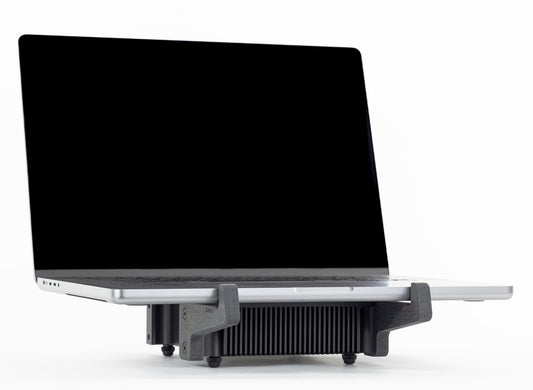
The second generation dock supports use a refined design to bring the following improvements:
- Raised Position: Improves airflow cooling design by raising the laptop and heatsink to a higher position for increased airflows under and around the laptop and heatsink.
- Larger Openings: Improves airflow cooling design by enlarging the lower support cutout located behind the padded laptop support shelf for increased airflows under and around the laptop and heatsink.
- New Heatsink Finish: Improves radiant passive cooling by increasing emissivity with a new matte black anodize finish.
All Mx Models
Cooling design advantages per Mx model configuration:
- MxSW2-hi: The second generation high stand supports include numerous cooling design improvements with approximately the greatest cooling design advantages.
- MxSW2-lo / MxSW-lo / MxS-lo / MxSW2-hi / MxSW-hi / MxS-hi: The low and high stand supports have a nearer to horizontal laptop support orientation, which allows the weight of the laptop to press down onto the heatsink’s conductive coupling plate, which in turn increases conductive heat transfer between the laptop and heatsink. The new MxSW2-lo second generation supports provide the option for a flat horizontal laptop position, while the new MxSW2-hi second generation supports reduce the laptop angle by approximately half of the first generation supports.
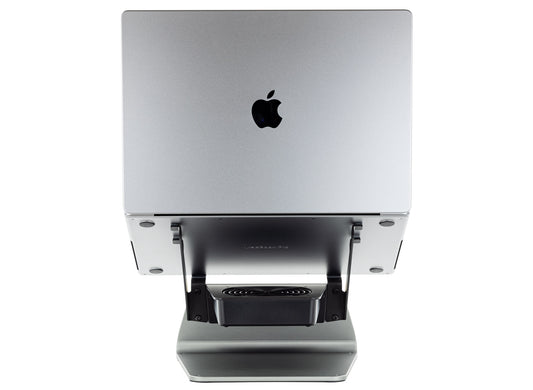
- MxDW2 / MxDW / MxD: The dock supports allow for the simultaneous use of both the 140mm and 80mm fans, which increases both heatsink and laptop cooling. The extra large size of 140mm fan provides both maximum heatsink cooling. The 80mm fan is positioned to flush out hot air, and for the 2021+ MacBook Pro, and other laptops that include a center intake vent along the back/hinge edge, the 80mm fan drive cooling air into the center intake vent to directly cool processors.
- MxDW2 / MxDW / MxD / MxSW2-hi / MxSW-hi / MxS-hi: The 140mm fan's larger size generates slightly more airflow for a given amount of noise generation. The 140mm fan's larger size spans the full width of the heatsink and nearly span the full length, which moves more cooling air over/through the heatsink cooling fins and removes more heat from the heatsink. The new MxSW2-hi second generation supports have approximately double the open area and approximately half the incline angle for improved fan airflow and increased fan efficiency.
- MxDW2 / MxDW / MxD / MxSW2-lo / MxSW-lo / MxS-lo: The dock and low stand supports position laptops with a center intake vent so that the 80mm fan can simultaneously cool the heatsink and drive air into the laptop for direct internal processor cooling.
- Mx All Models: The heatsink with a dark anodize aluminum finish has a slight improvement in emissivity for increased radiant cooling compared to the heatsink with raw aluminum finish, and the new deep matte black finish has a slight improvement over the prior space black finish. This is only a slight improvement that is most apparent with passive airflow cooling, and is less notable when a fan is added to provide active airflow cooling.
All Mx Models per Laptop Models
Cooling design advantages per laptop model:
- All laptop models: The second generation high stand supports (MxSW2-hi) include numerous cooling design improvements with approximately the greatest cooling design advantages for all laptop models.
- 2021+ 14-inch MacBook Pros: The second generation stands (MxSW2-hi / MxSW2-lo) use separate bolt-on laptop support arm modular components to position the laptop on the heatsink for optimal cooling. The arms are available in two sizes, large and small, that maintain the same high level of cooling optimization for both large and small laptops. Smaller 2021+ 14-inch MacBook Pro laptops benefit from unrestricted vent airflow for improved laptop built-in cooling efficiency, and offer an improvement in cooling with smaller laptops compared to first generation stands.
- 2021+ 16/14-inch MacBook Pros: The 2021+ MacBook Pro includes a built-in fan cooling system with a center intake vent along the bottom/hinge edge, as well as two exhaust vents on both sides of the intake vent. The MxDW2 / MxDW / MxD models with both 140mm and 80mm fans running simultaneously increases cooling performance. The MxSW2-lo / MxSW-lo / MxS-lo models with 80mm fan also increases cooling performance. This is the case for this laptop model, and for laptops with similar built-in cooling systems.
- 2022+ 15/13-inch MacBook Airs: The 2022+ MacBook Air does not include a built-in fan cooling system or associated venting. The MxSW2-hi / MxSW-hi / MxS-hi models with 140mm fan increases cooling performance. The MxDW2 / MxDW / MxD models with 140mm fan also increases cooling performance. This is the case for this laptop model, and for laptops with similar built-in cooling systems.
Learn More
See Performance page and Testing Guide page to learn more.
-
Cooling Stand MxSW2-hi
Regular price From $399.00 USDRegular price$309.00 USDSale price From $399.00 USD -
Cooling Stand MxSW-hi
Regular price From $389.00 USDRegular price$309.00 USDSale price From $389.00 USD -
Cooling Stand MxSW2-lo
Regular price From $379.00 USDRegular price$309.00 USDSale price From $379.00 USD -
Cooling Stand MxSW-lo
Regular price From $379.00 USDRegular price$289.00 USDSale price From $379.00 USD -
Cooling Dock MxDW2
Regular price From $389.00 USDRegular price$299.00 USDSale price From $389.00 USD -
Cooling Stand Sx
Regular price From $279.00 USDRegular price -
Cooling Stand SxM
Regular price From $279.00 USDRegular price





Product Selection Guides
-
 Compare
Compare product features and specifications.
-
 Laptops
Recommended products for your laptop model.
-
 Performance
Performance testing with a variety of laptops.